Monica Cavanagh
Spreadsheets and Smartsheet are where many operational systems begin. They are also where many growing businesses quietly start to struggle. At first, spreadsheets are practical. They fill gaps. They help teams move quickly. They stand in while a “real system” gets deferred.
The problem is that growth has a way of turning temporary fixes into permanent dependencies.
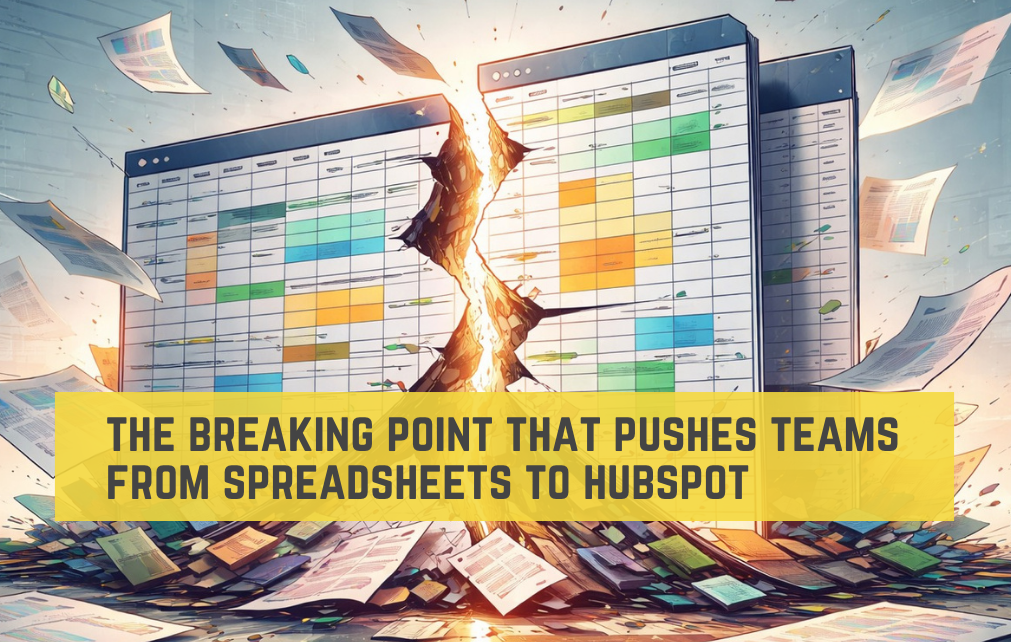
When spreadsheets become how orders are tracked, renewals are managed, or service performance is reported, they introduce risk into the core of the business. Most teams do not recognize that risk until they hit a breaking point.
The Breaking Point Most Teams Miss
For many teams, the breaking point does not arrive as a dramatic failure. It shows up quietly.
- A report looks off, but no one can pinpoint why.
- A renewal slips because a spreadsheet was never updated.
- A customer asks a straightforward question and the answer depends on which file you trust.
- Leadership reviews numbers that feel wrong, but there is no easy way to validate them.
That is the breaking point. It is the moment spreadsheets stop being a helpful workaround and start behaving like a liability. Trust in the data erodes. Manual effort increases. Simple questions take longer to answer with confidence.
Growth does not create this problem. Growth reveals it.
Why Spreadsheets Become Risk at Scale
Spreadsheets were never designed to operate as business infrastructure. Once they do, several risks surface at the same time. Security becomes optional. Files are shared, copied, downloaded, and forwarded with little visibility into who has access. Sensitive information often lives in places no one is actively managing.
Data quality becomes fragile. Manual entry, copy and paste workflows, and hidden formulas introduce errors that are hard to detect and easy to spread. False data blends in with real data, and reports still look polished even when they are wrong.
Visibility disappears. When teams rely on separate spreadsheets across marketing, sales, service, and operations, there is no single view of what is happening. Leadership gets answers, but not clarity.
And when the business grows, spreadsheets struggle to keep up. They depend on people's memory, workarounds, and tribal knowledge on how everything fits together.
This is when teams start looking for something better.
3 Examples of Spreadsheet Breaking Points IRL
1.  Jewel Box: When Orders Outgrew Spreadsheets
At Jewel Box, custom orders were tracked using external forms, emails, and spreadsheets. Data had to be transferred manually, creating delays and inconsistencies.
The breaking point came when order visibility became unreliable. Teams could not easily see where an order stood or what needed to happen next. Spreadsheets were no longer helping the process. They were holding it together just enough to mask the problem.
By moving order intake and tracking into HubSpot, Jewel Box replaced spreadsheets with structured pipelines and automated workflows. The process became visible, repeatable, and dependable.
 2. RISA: When Renewals Become Too Important for Manual Tracking
RISA relied on Google Sheets to manage software expirations, renewals, and follow-ups across multiple systems. The approach worked until the volume and complexity increased.
The breaking point showed up as risk. Renewals depended on manual tracking. Customer data lived in too many places. No one system reflected the full lifecycle.
Consolidating data and workflows into HubSpot allowed RISA to move away from spreadsheet driven follow up and toward automated, behavior based engagement that scaled with the business.
 3. Bridge VMS: When Reporting Could No Longer Be Trusted
At Bridge VMS, service data lived in one system while reporting lived in spreadsheets. Weekly reports were manually assembled, introducing delays and uncertainty.
The breaking point was not effort alone. It was confidence. By the time reports were ready, they were already outdated. Leadership lacked real time visibility into service performance.
Migrating to HubSpot Service Hub replaced spreadsheets with live dashboards and centralized reporting. Insight became immediate, and trust in the data was restored.
The Cost Teams Rarely Account For
Spreadsheets rarely appear as an expense. But their real cost shows up in:
- Staff hours spent maintaining files
- Missed opportunities due to delayed follow up
- Incorrect decisions driven by bad data
- Security exposure
- Operational fragility
Stop Managing Things Manually
If your team is relying on spreadsheets to track customers, manage renewals, report on service, or hold together core workflows, you are probably closer to the breaking point than it feels. Moving to HubSpot is not about ripping everything out or starting over. It is about identifying where spreadsheets have quietly become systems and replacing them with workflows that are secure, reliable, and built to scale.
At Orange Marketing, we help teams move off spreadsheets and into HubSpot with intention. That means mapping your real processes, consolidating your data, and building automation that reflects how your business operates, not how a spreadsheet forces it to.
If you are questioning whether spreadsheets are still serving your team, that is usually the signal to take a closer look.
Let’s talk about what it would take to move your business from spreadsheets to HubSpot, without disruption.